
Collaborative event photo album
Collect every guest photoseminar, party, company
A Collab space for your guests: QR code, brand colours, a collection window you control. Built for seminars, birthdays and company nights — no app to roll out.
- Guest collection, no app
- Company branding
- Collection expiry
- Moderation & QR

Event memories that still look professional
Corporate or party, same flow
Seminar, team offsite, gala, birthday: one link, one QR, one gallery. Guests install nothing.
Your branding
Logo, colours, banner: the upload page looks like your event, not a generic tool.
Clear expiry
Open collection on the day, close it after. No random uploads weeks later.
Moderation and quality
Approve before publish if needed. Photos stay sharp — not messenger compression.
From invite to archive
- 1
Set up the Collab album
Event name, artwork, upload rules and an optional end date.
- 2
Share QR and link
Badges, slides, email signature, team chat — one entry point.
- 3
Reuse the content
Internal gallery, TV screen, HR ZIP, The Frame collage in the lobby.
For organisers done with improvised Drives
A shared folder fills poorly during a cocktail. An event album is built for the floor: mobile, QR, and a clean close.
Birthdays & private parties
Lighter than a wedding: drop the link in the group, collect during the night, relive it the next day.
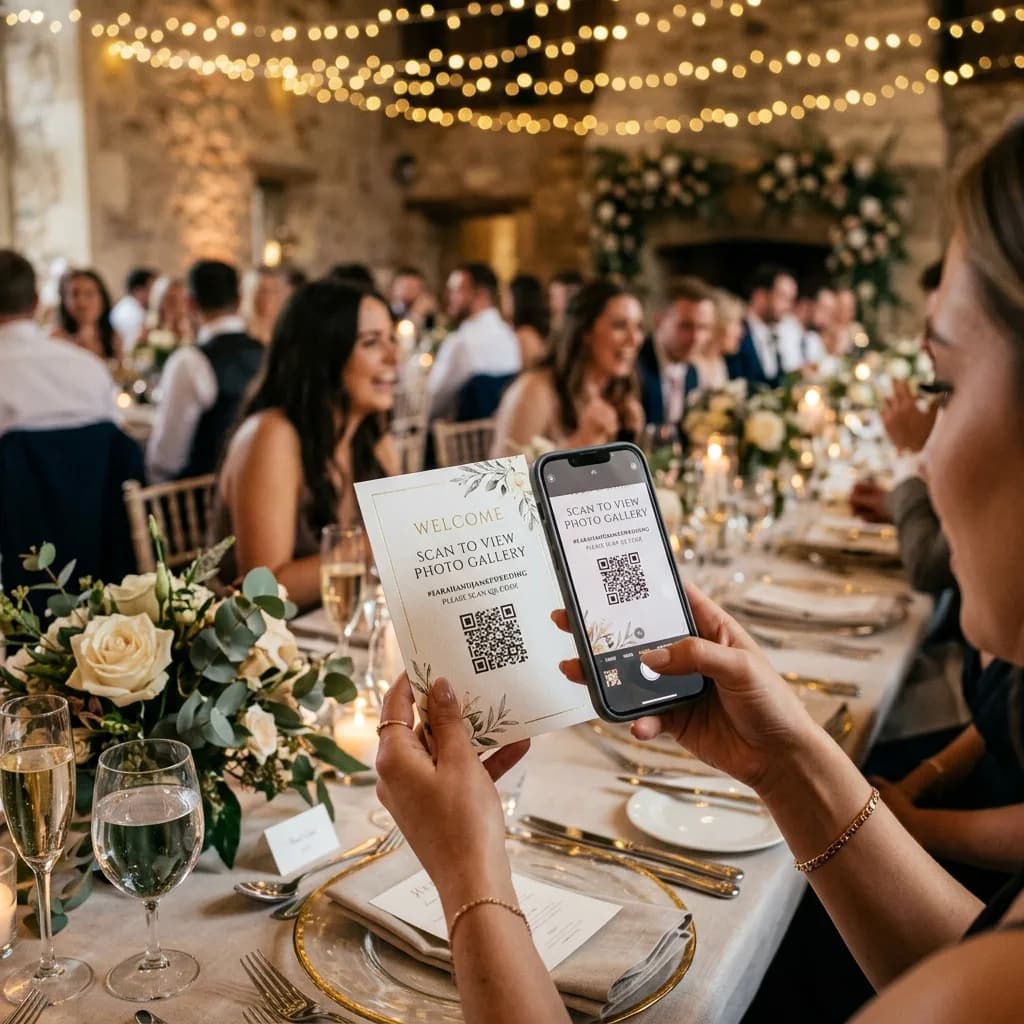
Seminars & company nights
Brand-safe UGC, optional white-label on pro plans. Teams contribute without creating accounts.

Related pages
PhotoPartage home
Private photo sharing at a glance.
Wedding photo album
Table QR, guests without an app, private day-of album.
The Frame
Show the event best-of in 4K 16:9.
4K TV screens
3840×2160 collage for lobby screens.
Photobooth
Browser booth, photos in the live album.
Corporate use cases
Seminars, galas, trade shows.
Event album FAQ
Does this work for a seminar and a birthday?+
Yes. The same collaborative album adapts: more formal branding for work, more festive for a private party.
How do we match brand colours?+
Add logo, colours and a banner on the Collab collection page so guests see your event, not a generic tool.
Can we limit the upload window?+
Yes. Set a collection period (the day, the weekend, a week). The album can stay viewable after uploads close.
Do participants need an account?+
No. The QR or link opens upload in the browser. The organiser manages the album from their workspace.
Where do photos go afterwards?+
Web gallery, download, TV / The Frame, photobooth. You pick the channels — the source stays centralised.
One event, one album, zero guest friction
Open Collab to start collecting, or create an account to connect photobooth, screens and archives.